






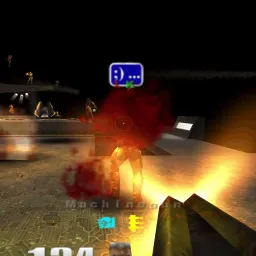
Quake Trilogy Browser: Play Classic Arena FPS Online Free
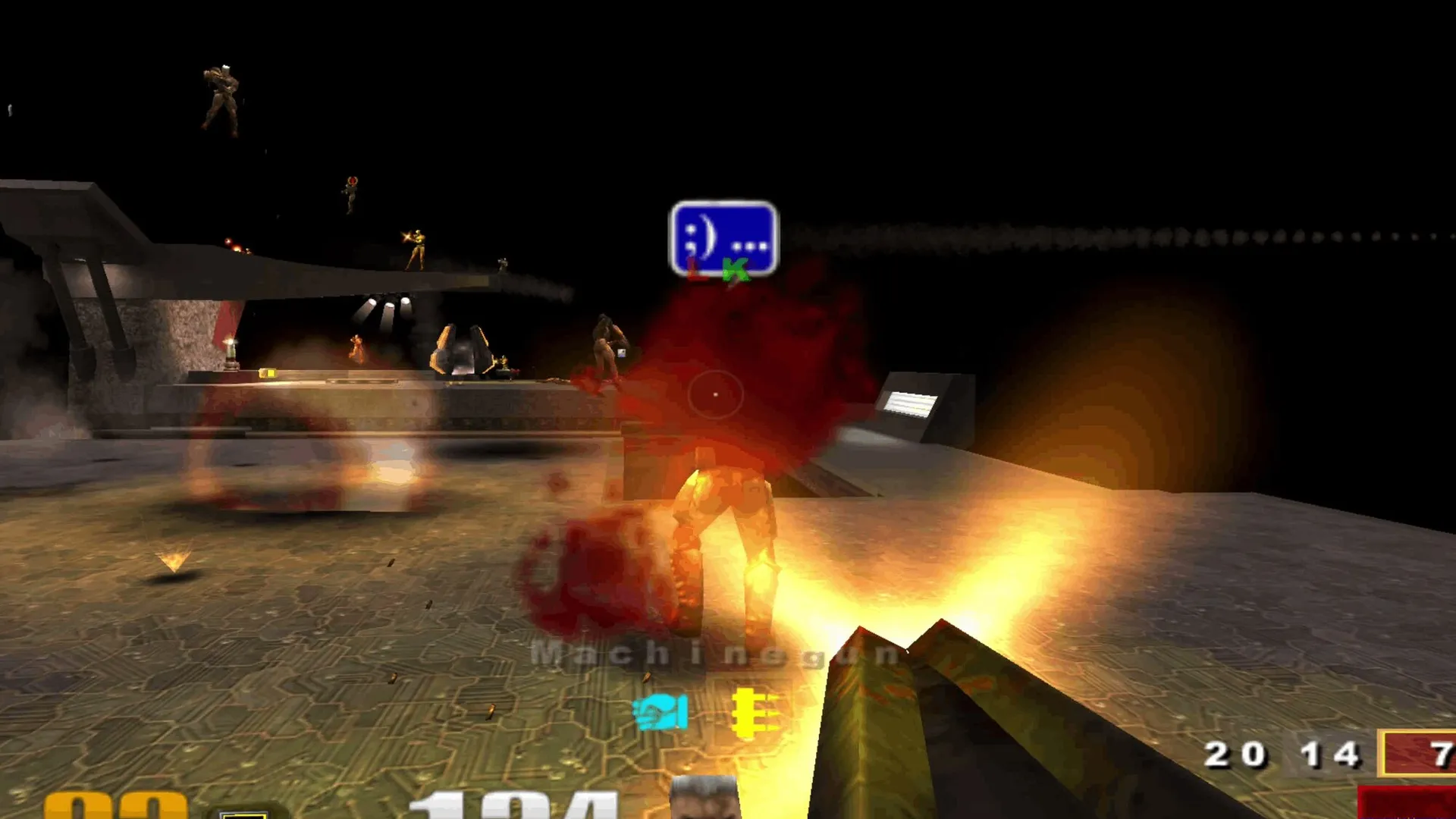
Ready to experience the adrenaline-fueled origins of competitive arena deathmatch straight in your web browser? Quake browser brings the groundbreaking id Software first-person shooter trilogy directly to modern desktop tabs without requiring downloads or disk installations. Whether you want to master lightning-fast QuakeWorld netcode or engage in live Quake 3 battles, this web adaptation lets you jump into intense fragging sessions instantly. Enjoy authentic 144 FPS competitive gunplay across legendary battlegrounds in this complete quake browser suite.
What is Quake Browser?
Quake browser is a dedicated preservation initiative that ports the legendary id Software shooter series into browser tabs using WebAssembly and WebGL canvas acceleration. Rather than demanding bulky native installers or requiring players to upload proprietary game assets, this release lets FPS enthusiasts enter multiplayer deathmatch instantly. The title faithfully replicates the high-speed physics, client-side prediction, and twitch gunplay that defined competitive gaming throughout the late nineties. Modern web technology enables this quake browser experience to run smoothly across Windows, macOS, Linux, and school Chromebooks without hardware barriers.
- Zero Client Downloads: Launch the quake browser experience directly in standard web browsers without installing native software
- Authentic Arena Engines: Powered by FTE QuakeWorld and Q3JS engines for faithful weapon ballistics and player physics
- Live Competitive Multiplayer: Join active lobbies featuring real-time player leaderboards, map rotations, and global opponents
- Cross-Platform Accessibility: Enjoy responsive keyboard, mouse, gamepad, and mobile touchscreen controls across all devices
The Three Eras: Quake 1, Quake 2, and Quake 3 Arena
A defining strength of the quake browser ecosystem is celebrating all three landmark eras of the franchise. Players can duel across gothic dark fantasy fortresses, industrial sci-fi strongholds, and futuristic gladiator arenas with equal convenience across these interconnected web editions.
- Quake 1 QuakeWorld: Experience the revolutionary 1996 netcode featuring client-side prediction, hosting fast-paced 8-player deathmatch across timeless arenas like dm2 Claustrophobopolis and dm4 The Bad Place
- Quake II Multiplayer: Enter gritty cybernetic strogg facilities armed with classic railguns and rocket launchers in intense 8-player skirmishes
- Quake III Arena: Jump into live multiplayer powered by Q3JS, featuring active player counts, rotating maps from q3dm7 Temple of Retribution to q3dm9, and multi-tiered leaderboards
- Classic DOS Preservation: Nostalgic players can also explore serial DOS gameplay through dedicated retro preservation pathways
Mastering the Classic Arsenal in Quake Browser
Weapon mastery forms the cornerstone of competitive triumph in every arena match. Because players respawn with only baseline firearms in quake browser, learning map layouts and item spawn intervals is vital for survival.
Long-Range Precision and Close-Quarters Firepower
In the quake browser environment, weapons serve distinct tactical roles. The Railgun provides instant hitscan perfection across long corridors, rewarding pinpoint reflex accuracy. For close-quarters brawls, the Lightning Gun projects a continuous electric shaft that melts opponents, while the Rocket Launcher delivers splash damage capable of disorienting foes around blind corners. Skilled competitors in quake browser also utilize the Shotgun for early skirmishes, the Grenade Launcher for area denial, and the legendary BFG10K for supreme room-clearing power.
Controlling Armor Tiers and Power-Ups
Dominating matches in quake browser requires timed control over power-up spawns. Grabbing Quad Damage quadruples your damage output for thirty seconds, turning any weapon into a lethal threat. Securing Mega Health boosts health beyond baseline maximums, while collecting Red Armor grants two hundred points of superior damage absorption. Anticipating item respawn cycles gives coordinated players decisive match control throughout every quake browser showdown.
Acrobatic Movement: Strafe Jumping and Rocket Jumps
What sets this competitive shooter apart from modern tactical titles is its extraordinary movement speed. Mastering acrobatic traversal in quake browser turns you into an elusive target while traversing arena corridors in seconds.
Strafe Jumping and Velocity Conservation
In quake browser, players accelerate far beyond standard running speeds through strafe jumping. By combining continuous forward and sideways directional inputs with synchronized mouse arcs, you accumulate momentum across successive hops. Conserving velocity enables rapid arena traversal, allowing veteran quake browser gladiators to escape dangerous encounters and reach contested weapons first.
Vertical Mobility Through Rocket Jumping
Rocket jumping is the signature maneuver of advanced arena duels. By angling your crosshair toward the floor and firing a rocket precisely as you jump, the resulting blast propels your character toward high balconies and hidden item ledges. While this maneuver costs a portion of your health in quake browser, the tactical elevation advantage often decides crucial skirmishes.
Controls Guide and Browser Performance Tuning
To achieve competitive success in quake browser, smooth frame rates and responsive mouse tracking are essential. Simple browser adjustments guarantee seamless performance during heavy firefights.
Capturing Mouse Focus and Key Bindings
Upon launching quake browser, click the game canvas to lock pointer controls and ensure full mouse look responsiveness. Use standard WASD keys for directional movement, Left Mouse Button to fire, and Spacebar to jump. Pressing the Escape key immediately releases the mouse pointer to access browser menus or settings.
Optimizing Frame Rates and Minimizing Latency
To maintain smooth 144 FPS in quake browser, verify that hardware acceleration is enabled within your browser settings. In Google Chrome or Microsoft Edge, navigate to Settings, search for Hardware Acceleration, and toggle the switch on. Closing bandwidth-heavy background streaming tabs ensures minimal network jitter during online deathmatch in quake browser.
Frequently Asked Questions About Quake Browser
Is Quake Trilogy Browser completely free to play?
Yes, this quake browser release is 100% free as an educational computer history preservation project, with no paywalls or fees.
Do I need to download client files or upload game data?
No downloads are required. The quake browser loads WebAssembly assets into browser memory automatically, requiring zero user file uploads.
Can I play Quake Browser on Chromebooks or mobile devices?
Yes, the quake browser runs smoothly on school Chromebooks, laptops, and desktop PCs, with Quake III also supporting touchscreens and gamepads.
How do I switch between Quake 1, Quake 2, and Quake 3?
The quake browser environment provides direct access to dedicated online arenas for Quake 1 QuakeWorld, Quake II, and Quake 3 Arena.
Do I need to register an account before playing Quake Browser?
No account registration is needed. In this quake browser, simply type a player nickname into the menu prompt and press Play to battle immediately.