 SKATE 3 BROWSER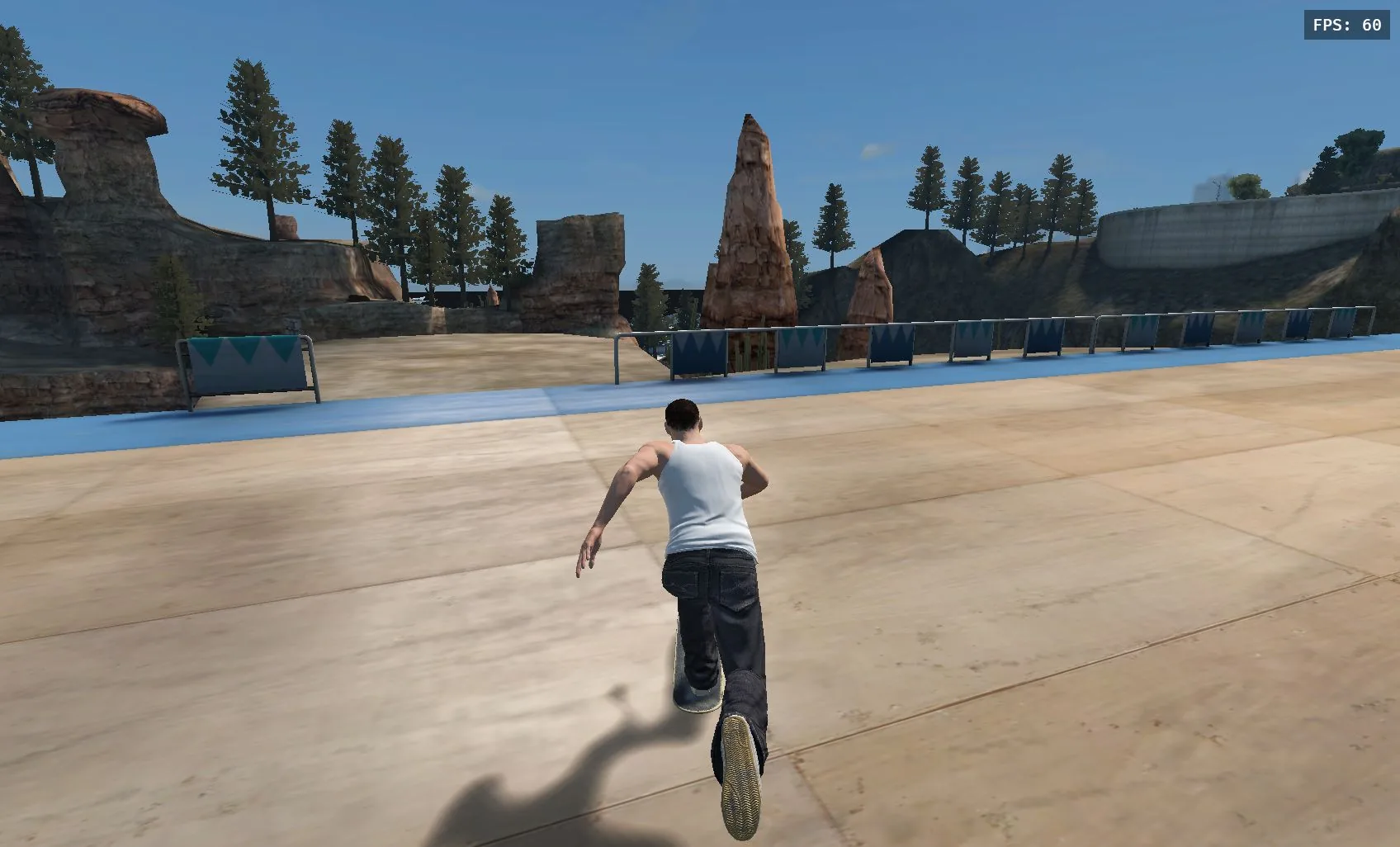
SKATE 3 BROWSER
Play the full FlickIt physics simulation directly in your browser with keyboard or gamepad.
Click to launch WebGPU Rust engine · Zero install
Drop Into Port Carverton in Your Web Browser
Skate 3 Browser brings the beloved console skateboarding simulation to the modern web. Built by the community on a custom WebGPU Rust engine, it recreates the signature physics, dual-analog FlickIt system, and urban skate plazas with zero installation.
Rust WebAssembly Engine
High-performance native physics compiled to WASM for 60FPS fluid board response and ragdoll bail mechanics.
WebGPU Hardware Graphics
Advanced modern web rendering utilizing your graphics card for realistic lighting, motion blur, and film grain shaders.
Dual Input: Keyboard & Gamepad
Supports standard gamepads (Xbox, PlayStation) plug-and-play, alongside an intuitive keyboard FlickIt arrow-key mapping.
Online Rooms & Custom Skaters
Host or join multiplayer sessions via private room codes (Esc → ONLINE), or drag-and-drop .cfss custom skater files.
Keyboard & Gamepad Controls Master Table
The browser fan game replicates Skate 3's revolutionary dual-stick FlickIt controls using responsive keyboard and controller bindings.
| Action / Function | Keyboard Binding | Execution Notes |
|---|---|---|
Steer & Carve | WASD | Analog turning and skater body balance |
FlickIt (Tricks) | ↑↓←→ | Flick like a thumbstick: ↓ then ↑ pops an Ollie; flick left/right for Flips |
Push (Accelerate) | Space | Tap repeatedly on flat ground to generate speed |
Air Grabs | Z (Left)X (Right) | Hold in mid-air to grab deck edges for extra style |
Triggers & Spins | ShiftC | Carve spins in air, revert on transition ramps |
Action Buttons | QER | Alternate pushes, taunts and board drops |
Pause & Online Menu | EscTab | Access worlds, skater settings, camera, and online rooms |
Pro Tip: Pause Menu (Esc) → PLAYER includes Trackpad Mode, turning your mouse into a fluid FlickIt stick!
FlickIt Trick Manual: Beginner to Pro Lines
Unlike arcade button-mashers, FlickIt treats the right stick like an actual skate deck under your feet. Learn the fundamentals below:
Ollie (The Foundation)
Crouch to load your board's tail, then swiftly snap forward to pop off the ground. The foundation for every line.
Nollie (Nose Ollie)
Shift your skater's weight onto the nose, then snap backward to pop cleanly off the front.
Kickflip
Pop off the tail and flick diagonally left to spin the board along its axis before stomping the bolts.
Heelflip
Pop off the tail and kick outward with your heel to roll the deck opposite of a kickflip.
50-50 & Board Grinds
Pop onto a handrail, ledge, or coping. Keep the stick balanced over the obstacle to lock your trucks into the grind.
Manuals & Flatland Links
Feather the stick slightly back to balance on your rear two wheels and connect gaps across plazas.
Explore the Iconic Spots of Port Carverton
Port Carverton is designed as an open skateboarding metropolis with buttery ledges, stair sets, mega ramps, and iconic plazas.
 Fastest Load
Skate School
A compact practice park packed with beginner-friendly ledges, banks, and flat rails. Ideal for dialing in your keyboard bindings.
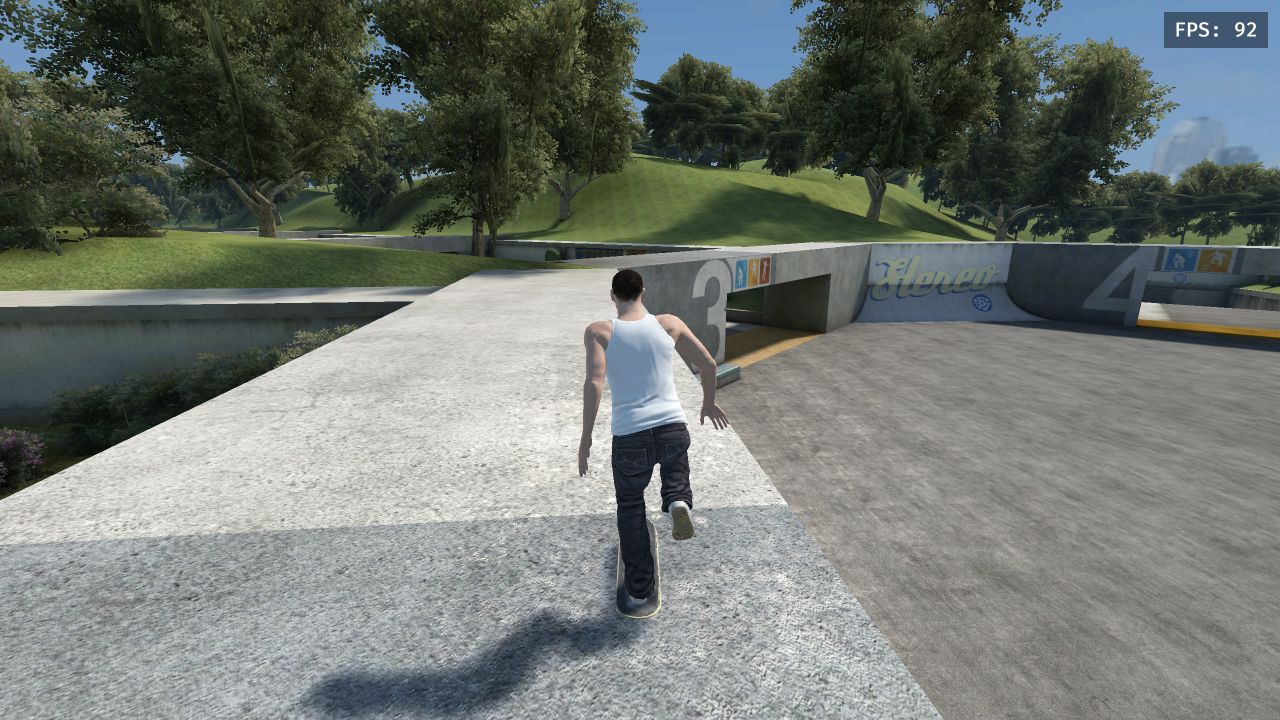
 Iconic Plazas
University & Mega-Park
Expansive campus architecture featuring polished marble ledges, long staircases, fountain gaps, and massive downhill transitions.
Street LinesDowntown Plazas
Fast-paced urban street skating through traffic, high-drop stairs, planter benches, and gritty handrails.
Online Sessions (Multiplayer)
Hit Esc → ONLINE to host your own session or enter a friend's private room code to skate together in real-time.
WebGPU Optimization & Loading Guide
The browser fan engine uses cutting-edge WebGPU graphics. If you run into loading delays or graphics glitches, check these steps:
1. 'Turn On Hardware Acceleration' Prompt
If you see a prompt asking for hardware acceleration: In Google Chrome or Microsoft Edge, go to Settings → System → toggle 'Use graphics acceleration when available' to ON, then restart your browser.
2. First Load Takes 15-30 Seconds
On your first visit, the engine streams ~38MB of Rust WASM binaries and 3D map data. Keep the tab open while the download progress runs; subsequent visits will load instantly from browser cache.
3. Gamepad / Controller Not Responding
Connect your Xbox or PlayStation controller via USB or Bluetooth. Once the game screen appears, press any button on the gamepad so the browser activates its Gamepad API connection.
4. Keyboard Scrolling Page Instead of Skating
Simply click once anywhere inside the game area to lock input focus to the canvas. Press the Fullscreen button for complete immersion without browser distractions.
Everything You Need to Know About Skate 3 Browser
Yes, Skate 3 Browser is 100% free with no downloads, subscriptions, or paywalls required. You can drop in and play directly in your web browser.