
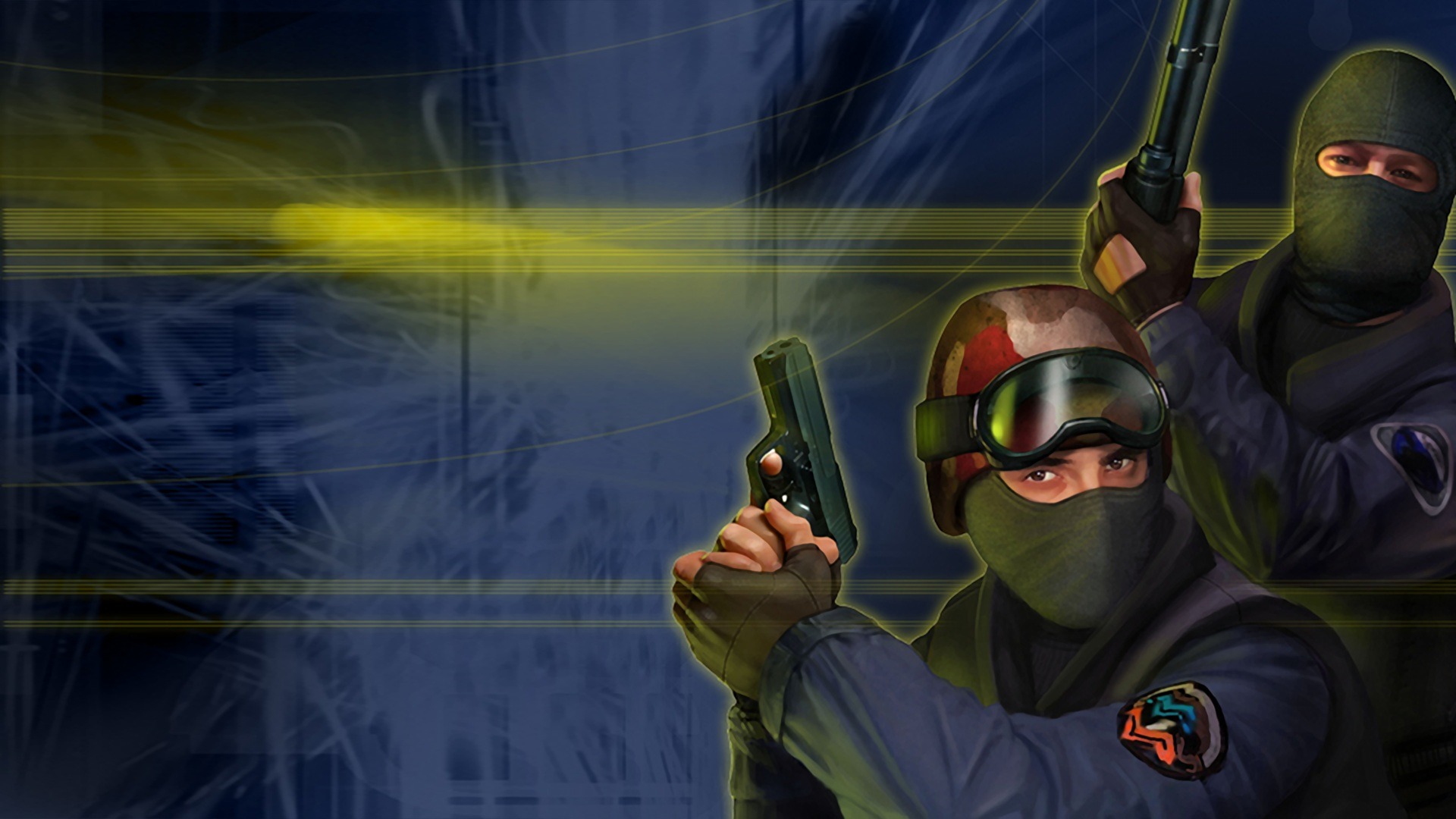
CS 1.6 WebXash: Play Counter-Strike 1.6 Online in Browser
Looking to play classic tactical shooter action directly inside your web browser? CS 1.6 WebXash brings the legendary Counter-Strike 1.6 and Half-Life engine straight into modern browser tabs without installing native client executables. Powered by cutting-edge WebAssembly technology, CS 1.6 WebXash lets tactical FPS fans enjoy responsive gunplay, iconic maps like de_dust2, and custom mods on virtually any desktop platform.
What is CS 1.6 WebXash?
CS 1.6 WebXash is an open-source WebAssembly frontend for the famous Xash3D-FWGS engine, engineered by developer x8BitRain with core engine compilation from yohimik. Rather than hosting pirated game assets or distributing copyrighted binaries, CS 1.6 WebXash operates on a pure client-side Bring Your Own Data model. Players load their own legitimate game files directly from their local Steam directory into browser memory. This architecture ensures CS 1.6 WebXash delivers an authentic tactical combat experience while maintaining zero copyright infringement risks for the community.
- Zero Third-Party Downloads: CS 1.6 WebXash runs entirely within standard web browsers using WebAssembly and WebGL canvas acceleration
- Legitimate Data Security: Your game files remain strictly on your local computer and are loaded into secure client-side browser memory
- Authentic GoldSrc Physics: Experience genuine weapon recoil patterns, bunny hopping mechanics, and iconic tactical audio
- Cross-Platform Compatibility: Launch CS 1.6 WebXash on Windows, macOS, Linux, and educational Chromebook computers with ease
How to Load Game Files in CS 1.6 WebXash
Because CS 1.6 WebXash does not distribute proprietary Valve software assets, setting up your initial session requires pointing the web runner to your legal game folder. Modern Chromium and WebKit browsers utilize the modern File System Access API to stream data seamlessly:
- Locating Your Steam Installation: Navigate to your Steam installation path and locate the cstrike and valve subdirectories
- Using the Open Game Folder Button: Click the Open Game Folder interface button in CS 1.6 WebXash and select your root Half-Life or Counter-Strike directory
- Selecting Your Game Modification: Choose cstrike from the directory selector dialog to initialize the tactical counter-terrorist mod environment
- Loading via Compressed Zip Archives: Alternatively, compress your valve and cstrike folders into a standard zip archive and use the Open Zip option
Game Modes, Maps & Multiplayer in the Browser
Once your assets load into browser memory, the engine grants immediate access to the full spectrum of classic GoldSrc gameplay modes and competitive scenarios:
Bomb Defusal & Hostage Rescue Scenarios
Compete across timeless competitive maps including de_dust2, de_inferno, de_nuke, de_train, cs_assault, and cs_italy. In CS 1.6 WebXash, bomb defusal timing, buy zones, rescue hostages, and economy rounds operate identically to original retail versions.
Single Player Campaigns & Bot Matches
If your supplied game data includes navigation mesh files or compatible bot profiles, CS 1.6 WebXash enables local offline skirmishes against computer opponents. You can also explore the complete single-player Half-Life 1 campaign through the same unified engine launcher.
Multiplayer Server Connectivity via WebSockets
CS 1.6 WebXash supports real-time multiplayer over LAN and WAN networks via dedicated WebSocket relay servers. By connecting to containerized servers using the docker cs-web-server project, players can input a server IP and port to join competitive matches directly.
Save File Persistence with IndexedDB
The integrated save manager in this web port automatically synchronizes single-player campaign checkpoints into browser IndexedDB storage. Your progress remains preserved between visits, and individual save files can be exported to your hard drive at any time.
Mastering Controls and Movement in Tactical Combat
Executing sharp aim and crisp movement in CS 1.6 WebXash requires proper keyboard configuration and browser settings:
Default Keybindings and Mouse Lock
Click the viewport to lock your mouse cursor for precise 3D aim. Navigate using standard WASD keys, Space to jump, Ctrl or Shift to crouch and walk, R to reload, E to interact, B to open the equipment buy menu, and Tab to review the scoreboard in this browser port.
Preventing Accidental Tab Closure During Crouch-Jumps
In web browsers, executing a crouch-jump by pressing Ctrl and W simultaneously can inadvertently trigger the browser close tab command. When playing CS 1.6 WebXash, always activate fullscreen mode before starting a round to lock keyboard input and prevent accidental tab closures.
Custom Launch Parameters and Console Commands
Advanced players can customize their gameplay session using the built-in launch options dialogue. Pass commands such as -game cstrike, adjust tick rates, or utilize developer console parameters to tweak field of view and network interpolation values.
Performance Optimization & Troubleshooting Guide
Achieving rock-solid 60 FPS in CS 1.6 WebXash requires minimal system overhead and proper graphics acceleration:
Enabling Hardware Acceleration in Web Browsers
To allow WebGL to harness your graphics card inside the engine, ensure hardware acceleration is toggled on. In Google Chrome and Edge, navigate to Settings, search for System, and confirm that Use graphics acceleration when available is turned on.
Resolving WebAssembly Memory and Stutter Issues
Because WebAssembly allocates virtual memory directly in your browser process, running CS 1.6 WebXash alongside dozen of open background tabs can cause micro-stuttering. Close heavy video streams and background tabs to give the engine uninterrupted memory access.
Browser Compatibility & Mobile Limitations
CS 1.6 WebXash is specifically engineered for desktop web browsers including Chrome, Edge, Firefox, Brave, and Safari. Due to intensive keyboard and pointer lock requirements, touch-screen mobile devices are not officially supported for competitive play.
Frequently Asked Questions About CS 1.6 WebXash
Is CS 1.6 WebXash completely free to run?
Yes, CS 1.6 WebXash is an open-source browser interface that is 100% free to access. However, because it follows a BYOD model, you must provide your own legitimate game data files from Steam.
Does CS 1.6 WebXash upload my private game files to any server?
No, this web port processes all data strictly inside your local browser memory using client-side WebAssembly. No files or private assets are ever transmitted to external servers.
Can I run custom community skins and maps in the engine?
Yes, any maps, textures, player skins, or sound packs placed within your selected cstrike directory will load automatically inside CS 1.6 WebXash.
Can I play CS 1.6 WebXash unblocked on school Chromebooks?
Yes, because CS 1.6 WebXash runs entirely within standard web tabs without administrator installation permissions, it functions smoothly on compatible Chromebook devices with hardware acceleration enabled.