
Command & Conquer: Red Alert 2 (Chrono Divide) — Browser Multiplayer & Skirmish Guide
Command & Conquer: Red Alert 2 is a crown jewel of golden-age 2.5D isometric real-time strategy, originally developed by Westwood Pacific and published by EA Games in October 2000. Powered by the remarkable Chrono Divide web project (`play.chronodivide.com`), this Red Alert 2 browser edition is not a clunky video stream—it is a ground-up web-native rewrite of the RTS engine that runs Online Multiplayer ladders and Offline AI Skirmishes right inside your desktop browser. Important: to comply with copyright, first-time players must import their own legally owned Red Alert 2 game files (`ra2.mix`, `language.mix`, etc.) into local browser storage.
What Is Chrono Divide for Command & Conquer: Red Alert 2?
Chrono Divide is a community-engineered web recreation built from scratch using modern browser technologies to replicate the exact unit behaviors, voxel vehicles, SHP sprites, and fast-paced sidebar macro of Westwood's 2000 Red Alert classic. Because Electronic Arts holds the copyright to the original Red Alert 2 art and audio archives, Chrono Divide does not bundle proprietary game assets on its servers. Instead, when you launch the Red Alert 2 web client for the first time, an integrated archive manager lets you select your local Red Alert installation folder, `.mix` files, or `.iso` discs—storing them persistently inside your browser's local storage.
- Web-Native RTS Engine: Runs at crisp native browser resolutions with authentically recreated pathfinding, fog of war, and sidebar production queues.
- Online Multiplayer & Ladder Accounts: Create an in-game account inside the Red Alert 2 lobby to queue 1v1 ranked ladder matches, host custom rooms, or chat with other commanders.
- Offline AI Skirmish Mode: Practice build orders offline against configurable AI opponents across classic multiplayer maps like Heck Freezes Over and Country Swing.
- Scope Note on Campaigns: Chrono Divide currently focuses on Multiplayer and Skirmish combat; the scripted single-player story campaigns are not yet released in this web build.
Allies vs. Soviets: Sub-Faction Countries and Signature Units
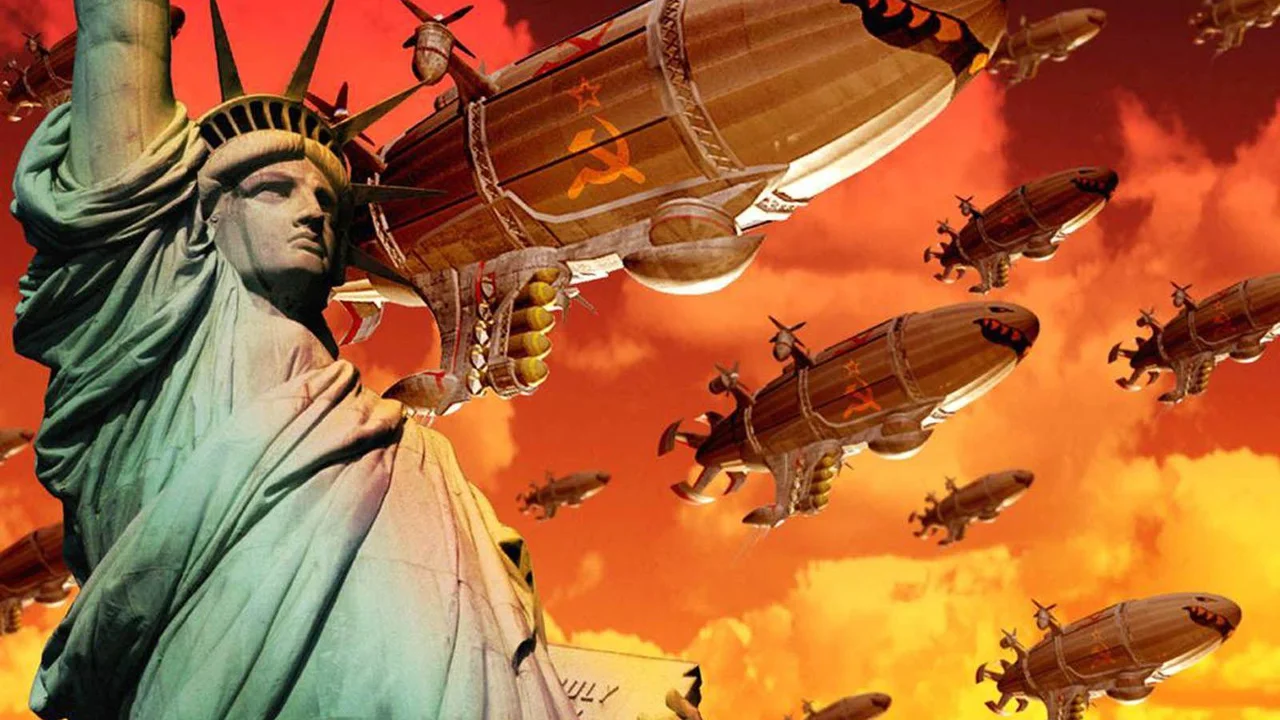
Every match in Red Alert 2 pits the high-tech, mobility-focused Allied nations against the heavily armored industrial might of the Soviet Union. Within those two blocs, you choose from nine sub-faction countries—each bringing a unique special weapon, aircraft, or tank to the battlefield. Allied commanders rely on satellite espionage, Mirage Tanks disguised as trees, long-range Prism Tanks, and fast Harrier or Black Eagle strikes. Soviet commanders in Red Alert 2 crush enemy frontlines with Rhino Heavy Tanks, Tesla Coils, Apocalypse Tanks, and terrifying Kirov Airships that rain heavy bombs across enemy bases.
- Five Allied Nations (USA, Korea, France, Germany, Great Britain): Field free Airborne GI paratroopers (USA), lethal Black Eagle jets (Korea), massive Grand Cannons (France), Tank Destroyers (Germany), or infantry Snipers (Great Britain).
- Four Soviet Nations (Russia, Iraq, Libya, Cuba): Deploy magnetic-beam Tesla Tanks (Russia), radiation-spreading Desolators (Iraq), nuclear Demolition Trucks (Libya), or anti-infantry Terrorists (Cuba).
- Harvester Differences: Allied Chrono Miners teleport directly back to the Ore Refinery in Red Alert 2 to escape ambushes, while Soviet War Miners carry a mounted 20mm cannon to fight off Terror Drones.
- Superweapons & Tech Buildings: Capture neutral Oil Derricks for steady cash, garrison urban skyscrapers with GIs or Conscripts, and race for the Chronosphere, Weather Control Device, or Nuclear Silo.
Early-Game Build Orders and Economy Management
Fast-paced Red Alert 2 matches are often decided in the first four minutes by ore efficiency and scouting. Immediately deploy your starting MCV into a Construction Yard, build a Power Plant (or Tesla Reactor), and drop a Barracks to train Attack Dogs or Engineers while your Ore Refinery constructs. Send two Attack Dogs in opposite directions in Red Alert 2 to uncover the map shroud, eliminate enemy scouts, and spot whether your opponent is expanding toward high-value Gems—which yield double the credits of standard gold Ore per bail.
- Multi-Factory Production Speed: Building a second or third War Factory, Barracks, or Airforce Command in Red Alert 2 automatically accelerates unit training speed across that category.
- Engineer Rush Defense: Keep an Attack Dog, Sentry Gun, or Pillbox near your Construction Yard and War Factory so an enemy Engineer or Amphibious Transport cannot steal your base.
- Terror Drone Counterplay: If a Soviet Terror Drone infects one of your tanks in Red Alert 2, drive that vehicle onto a Service Depot immediately to weld the drone out before the tank explodes.
- Garrison Clearing: Use Allied Prism Tanks, Soviet V3 Rockets, or Naval bombardments to clear enemy infantry entrenched inside civilian buildings without losing your own rifle squads.
How to Import Your Files & Choose Classic or Modern Controls
Chrono Divide makes both initial file setup and mouse control customization straightforward right from the browser title screen.
Loading Original Red Alert 2 `.mix` or Installation Files
On your first visit to the Red Alert 2 browser client, use the on-screen file import screen to point the game to your legally owned Red Alert 2 installation directory or archive files (such as `ra2.mix` and `language.mix`). Once unpacked into your browser's local storage, the game boots straight to the main menu on future visits.
Confirmed Left-Click vs. Right-Click Control Options
Inside the Chrono Divide options menu, you can switch freely between Classic Westwood Controls (Left-Click to select and issue move/attack orders) and Modern RTS Controls (Left-Click to select, Right-Click to move/attack), plus customize hotkeys for control groups and base tabbing.
Frequently Asked Questions
Why do I need my own Red Alert 2 files to play Chrono Divide?
Chrono Divide is a clean-room open web engine rewrite and cannot legally distribute Electronic Arts' copyrighted Red Alert 2 art, music, and `.mix` archives. Importing your own local files unlocks the game inside your browser.
Can I play the single-player story campaign in this Red Alert 2 browser version?
Not yet. As documented by the Chrono Divide project, the single-player campaigns are not yet released; the current browser build supports full Online Multiplayer (including ladder matchmaking) and Offline AI Skirmish.
Does Chrono Divide support right-click movement like modern RTS games?
Yes! You can toggle between classic Red Alert 2 left-click commands and modern right-click commands anytime inside the in-game Options menu.
What is the difference between Gold Ore and Colorful Gems on Red Alert 2 maps?
Gems are worth twice as many credits per load as standard Gold Ore in Red Alert 2, making central Gem fields the most contested strategic locations on any multiplayer map.