
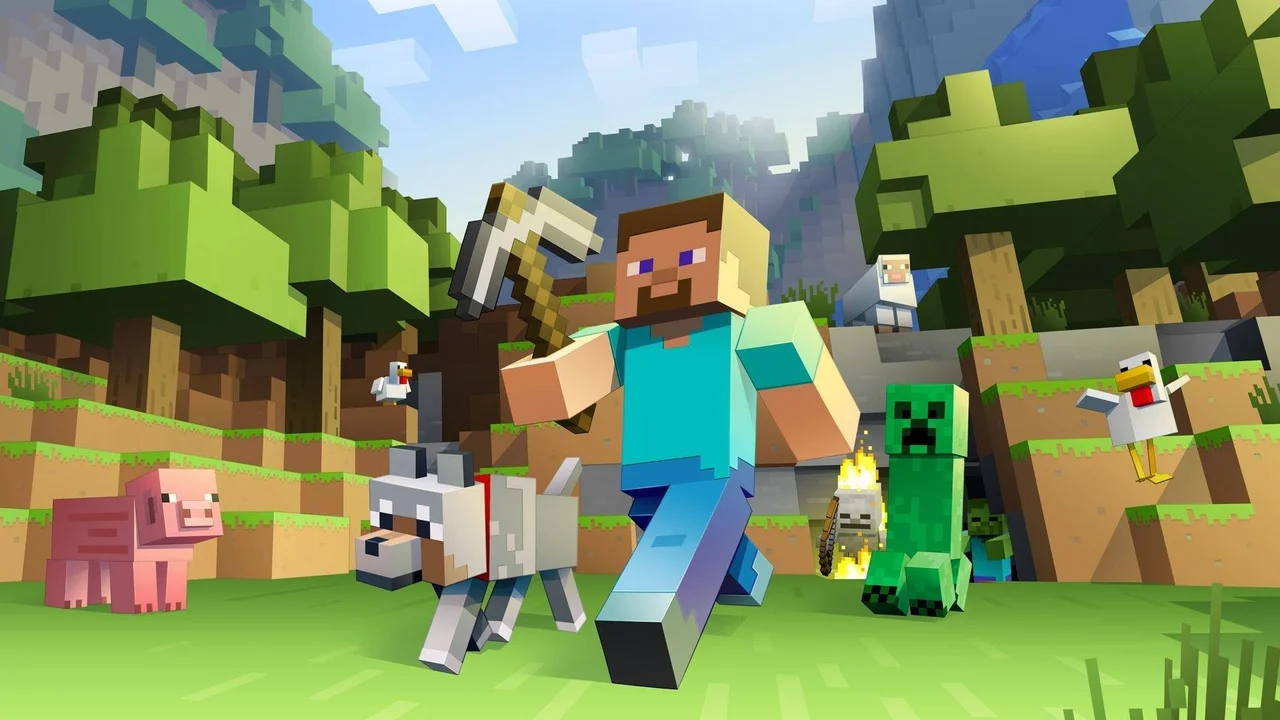
Minecraft 1.8.8 (EaglercraftX): Play Full Java 1.8 Survival in Your Browser
Minecraft EaglercraftX brings the complete sandbox depth of Java Edition 1.8.8—known to fans as the Bountiful Update—directly into your desktop web browser via WebAssembly. Created by community developer LAX1DUDE and hosted here via WASM Arcade (`wasm.arcade.games/minecraft/`), Minecraft EaglercraftX is an unofficial fan port (not affiliated with Mojang or Microsoft) that runs instantly in a standard browser tab while saving your generated worlds locally inside your own browser storage.
What Is Minecraft EaglercraftX (Java 1.8.8)?
Originally released by Mojang in 2011 and updated to version 1.8.8 in 2015, the 1.8 era remains one of the most popular versions in franchise history thanks to its classic combat rhythm, fast terrain generation, and deep survival systems. Minecraft EaglercraftX compiles that exact Java 1.8.8 client logic to run natively inside modern WebGL2 and WebAssembly browsers. Instead of stripped-down 2009 Classic mode where you can only place thirty block types, Minecraft EaglercraftX includes full Survival Mode, Creative Mode, Hardcore toggles, hunger, experience orbs, enchanting tables, brewing stands, redstone circuits, the Nether, and the End.
- Full Java 1.8.8 Bountiful Update Content: Explore Ocean Monuments guarded by Guardians and Elder Guardians, mine Granite/Diorite/Andesite, craft Slime Blocks, and build Armor Stands.
- Instant Singleplayer World Generation: Generate infinite Overworld, Nether, and End seeds directly inside your browser on the WASM Arcade host.
- Persistent Local Browser Saves: Your singleplayer worlds, inventories, and resource settings are saved locally inside your browser's IndexedDB storage.
- Unofficial Community Port Notice: Minecraft EaglercraftX is an independent community project by LAX1DUDE and has no official affiliation with Mojang Studios or Microsoft.
Core Gameplay Loop: From First Night Shelter to the Ender Dragon
A fresh Survival world in Minecraft EaglercraftX begins with nothing but your bare hands and twenty minutes of daylight before zombies, skeletons, spiders, and creepers spawn across the landscape. Punch trees to craft a workbench and wooden pickaxe, mine cobblestone and coal to light your first shelter, and smelt iron ore for a full suit of armor and a bucket. Once your farm and mine shaft are secure in Minecraft EaglercraftX, you delve down to Y-level 11 for diamonds, cast an Obsidian portal to brave Nether Fortresses for Blaze Rods, craft Eyes of Ender to triangulate a Stronghold, and enter the End dimension to slay the Ender Dragon.
- 1.8 Lapis Lazuli Enchanting System: Spend only 1 to 3 levels plus Lapis Lazuli at an Enchantment Table in Minecraft EaglercraftX while previewing one guaranteed enchantment per tier.
- Classic Pre-1.9 Combat Mechanics: Enjoy rapid sword clicking, sword blocking to reduce incoming damage, and fishing-rod or projectile knockback combos.
- Redstone & Slime Block Engineering: Build automatic piston farms, flying machines, item sorters, and hidden vault doors using complete 1.8 redstone physics.
- Creative Mode Sandbox: Switch to Creative Mode when creating a new world in Minecraft EaglercraftX for unlimited flight and instant access to every block and spawn egg.
Singleplayer Worlds vs. Relay Multiplayer Notes
On this WASM Arcade embed, Minecraft EaglercraftX is configured primarily for immediate singleplayer Survival and Creative worlds that run locally on your machine. While the underlying Minecraft EaglercraftX client menu includes a Multiplayer tab and LAN world sharing options, those features rely entirely on external third-party WebSocket relay servers that are neither hosted nor guaranteed by our portal. For the most reliable, lag-free experience in Minecraft EaglercraftX, create a local singleplayer world and use the built-in backup/export button to save `.epk` world snapshots to your computer.
- Export Your Worlds Regularly: Select your singleplayer world in the Minecraft EaglercraftX menu and click Backup / Export to download a portable copy to your hard drive.
- Optimize Video Settings for 60+ FPS: Lower Render Distance to 4–8 chunks, switch Graphics from Fancy to Fast, and disable VSync if you play on a school Chromebook or integrated laptop GPU.
- Custom Skins & Resource Packs: Minecraft EaglercraftX lets you select built-in presets or import compatible 1.8.8 `.zip` resource packs from your local drive.
- Peaceful Difficulty Option: Toggle Difficulty to Peaceful in Options if you want to gather resources and build in Survival without hostile mob spawns.
Verified Pointer Lock & Fullscreen Controls
Because Minecraft EaglercraftX captures your mouse cursor for 360-degree first-person looking and block placement, knowing how browser pointer lock behaves is important.
Confirmed Mouse Capture & Esc Key Behavior
Click anywhere inside the Minecraft EaglercraftX canvas to lock your mouse cursor for aiming. Press Esc once to open the pause menu and release the mouse cursor; if you are playing in fullscreen mode, press and hold the Esc key to exit fullscreen back to your browser tab. All other movement, inventory, and hotbar keys can be viewed and rebound inside Options -> Controls.
Day-One Survival Tips for 1.8.8
Always carry a Water Bucket in your hotbar when mining deep caves in Minecraft EaglercraftX—pouring water over lava lakes instantly turns them into safe Obsidian walkways and extinguishes accidental fire damage.
Frequently Asked Questions
Is Minecraft EaglercraftX an official Mojang or Microsoft version?
No. Minecraft EaglercraftX is an unofficial community-developed WebAssembly port of Java Edition 1.8.8 created by LAX1DUDE, and is not affiliated with or endorsed by Mojang or Microsoft.
How are my worlds saved in Minecraft EaglercraftX?
Your singleplayer worlds are stored automatically inside your browser's local storage on your device. You can also export any world as a backup file from the singleplayer world menu.
How do I release my mouse or exit fullscreen in Minecraft EaglercraftX?
Tap Esc once to pause the game and free your mouse cursor. If you entered fullscreen mode, hold down the Esc key to exit fullscreen.
Why do Multiplayer servers sometimes fail to connect in Minecraft EaglercraftX?
Standard Java Edition servers cannot be joined directly from a browser without a specialized EaglercraftX WebSocket relay, and third-party public relays go online or offline independently. Singleplayer worlds work 100 percent locally at all times.