
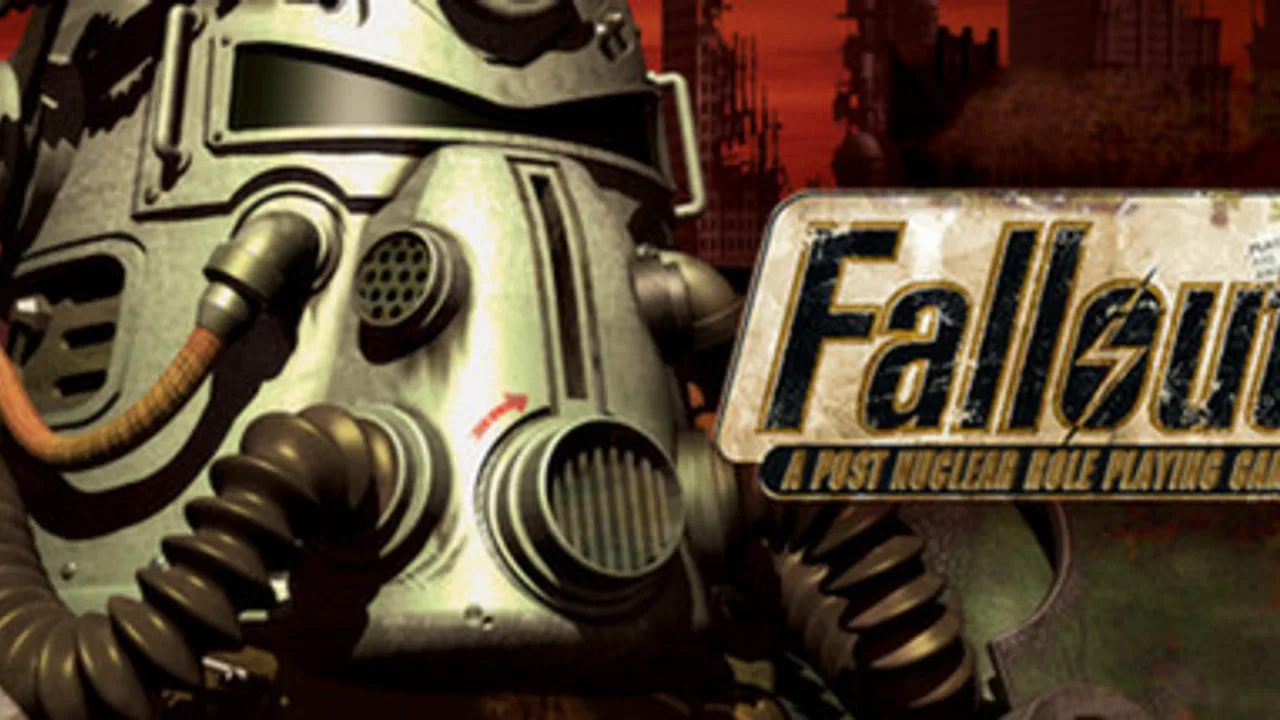
Fallout Browser (1997): Vault 13, SPECIAL Character Builds & Wasteland Guide
'War. War never changes.' When Interplay Productions released the original isometric role-playing masterpiece in October 1997, those four words introduced players to a haunting 22nd-century wasteland built on the ashes of 1950s atomic retro-futurism. In this Fallout Browser guide, we explore how you step outside the blast door of Vault 13 in the year 2161 to find a replacement Water Chip—and ultimately confront a terrifying super-mutant conspiracy across Southern California. Note on browser status: while the KLIK catalog links to the DOS.Zone route (`dos.zone/en/fallout/`), our 2026-11-02 hands-on test showed the embedded KLIK iframe timing out after 60 seconds, so players should check `dos.zone` directly if the frame stalls.
What Is the Original 1997 Fallout Browser Experience?
Set eighty-four years after the nuclear devastation of October 23, 2077, the classic 1997 CRPG casts you as the Vault Dweller—chosen by the Overseer of Vault 13 to venture into the irradiated surface world with 150 days of water reserves remaining. Unlike linear hack-and-slash dungeon crawlers, the Fallout Browser experience is a true choice-driven tabletop-style computer RPG. Almost every problem in the Wasteland can be solved in three completely different ways: talking your way past guards with high Intelligence and Speech, sneaking through back doors with Stealth and Lockpick, or blasting raiders apart in tactical turn-based combat.
- The Birth of the S.P.E.C.I.A.L. System: Customize Strength, Perception, Endurance, Charisma, Intelligence, Agility, and Luck in Fallout Browser along with two optional character Traits and three Tag Skills.
- Non-Linear Wasteland Exploration: Travel across a world map linking Shady Sands, Vault 15, Junktown, The Hub, Necropolis, the Boneyard, and the Brotherhood of Steel bunker.
- Iconic Companions & Bottle Cap Economy: Trade Nuka-Cola Bottle Caps with caravan merchants and recruit memorable allies like Ian, Tycho, Katja, and the loyal canine Dogmeat in Fallout Browser.
- KLIK Embed Verification Note: Tested on 2026-11-02 as `FAILS_TO_LOAD` inside the KLIK iframe due to a `dos.zone` timeout; direct upstream access may be required.
S.P.E.C.I.A.L. Stats, Action Points, and Targeted Aimed Shots
When combat erupts in Fallout Browser, the real-time isometric view shifts into a tactical turn-based grid governed by your character's Action Points (AP)—determined primarily by your Agility score. Moving one hex costs 1 AP, opening your inventory to heal with a Stimpak costs 2 AP, and firing a 10mm Pistol, Hunting Rifle, Combat Shotgun, or Turbo Plasma Rifle consumes 4 to 6 AP. By spending 1 extra Action Point on an Aimed Shot in Fallout Browser (unless you picked the Fast Shot trait), you open the iconic wire-frame targeting screen where you can aim specifically for an enemy's Eyes, Head, Torso, Arms, Legs, or Groin!
- Aiming for the Eyes (High Crit Chance): Delivering a critical hit to the eyes in Fallout Browser often blinds the target instantly and bypasses heavy armor for massive damage.
- Crippling Legs & Arms: Shooting a Deathclaw or Super Mutant in the legs slows their movement per turn, while crippling an enemy's arm in Fallout Browser forces them to drop two-handed miniguns or rocket launchers.
- Why Agility & Intelligence Rule Character Creation: Setting Agility to 9 or 10 in Fallout Browser grants 9–10 Action Points per turn (enough to fire a pistol twice!), while high Intelligence maximizes skill points per level and unlocks the best dialogue trees.
- Gifted Trait Synergy: Selecting the Gifted trait at character creation in Fallout Browser boosts all seven S.P.E.C.I.A.L. attributes by +1, making it the strongest starter trait in the game.
Main Quest Loop: From the Water Chip to The Master's Army
Your journey in Fallout Browser unfolds across two major narrative acts. During Act I, the 150-day Water Chip timer ticks down as you travel across desert grid squares. Investigating the collapsed ruins of Vault 15 near Shady Sands and helping Killian Darkwater in Junktown leads you to The Hub—the bustling mercantile crossroads of the Wasteland—where Water Merchants can even extend your Vault's deadline for a price, and clues point you toward the ghoul-inhabited city of Necropolis and its working Water Chip beneath the watershed. Once you return the chip to Vault 13 in Fallout Browser, the Overseer tasks you with stopping The Master's super-mutant army at the Mariposa Military Base and the Cathedral.
- Multiple Ways to Defeat the Final Boss: In Fallout Browser, you can destroy The Master in combat, sneak a nuclear detonation key into the basement, or convince him via Vree's autopsy holodisk and high Speech that his mutants are sterile!
- Joining the Brotherhood of Steel: Survive the irradiated excursion to 'The Glow' (West Tek Research Facility) using Rad-X and RadAway in Fallout Browser to earn T-51b Power Armor.
- Dynamic Ending Slides: Every town and faction you help—or abandon—in Fallout Browser receives its own narrated epilogue based on your moral choices and timing.
- Save Frequently Across Multiple Slots: Random encounters with Radscorpions, Raiders, or Super Mutant patrols in the desert can end a run quickly, so keep staggered save slots.
Controls & Vault Dweller Starter Guide
Because the 1997 interface of Fallout Browser uses a context-sensitive mouse cursor, learning how to toggle cursor modes makes interacting with doors, NPCs, and weapons effortless.
Mouse Cursor Modes & Pip-Boy 2000 Navigation
In Fallout Browser, clicking or right-clicking switches your mouse cursor between the Hex Movement cursor, the Action/Interaction cursor (hold to open the drop-down menu for Talk, Look, Steal, Use Inventory Item, or Skill), and the Red Crosshair Combat cursor. Use the Pip-Boy 2000 button on the bottom HUD to check active quests, read downloaded holodisks, or rest until healed.
How to Recruit Ian and Dogmeat Early
Stop in Shady Sands on your way to Vault 15 in Fallout Browser and hire the experienced guard Ian at the local tavern (or convince him to join for free with solid Speech) so he can back you up with his 10mm pistol. Later in Junktown, wear a leather jacket or feed an iguana-on-a-stick to the stray dog blocking Phil's doorway to recruit Dogmeat!
Frequently Asked Questions
Why did the Fallout Browser iframe time out during KLIK testing?
During our November 2, 2026 verification of the KLIK directory entry for Fallout Browser, the embedded frame remained blank and timed out after 60 seconds waiting for `dos.zone`. If the embed stalls, check `dos.zone` directly.
How much time do you have to find the Water Chip in Fallout Browser?
You start with 150 in-game days to locate the replacement Water Chip in Necropolis and bring it back to Vault 13 in Fallout Browser, though hiring Water Merchants in The Hub can add an extra 100 days at the cost of revealing your Vault's location.
What are the best three Tag Skills for a first playthrough of Fallout Browser?
Tagging Small Guns, Lockpick, and Speech at character creation in Fallout Browser lets you handle early-to-mid-game gunfights reliably, open locked supply doors, and unlock the best diplomatic quest outcomes.
How do you prevent radiation sickness when visiting The Glow?
Before traveling to the crater of The Glow in Fallout Browser, buy two doses of Rad-X and several packs of RadAway in The Hub; swallowing two Rad-X pills right before entering the map boosts your Radiation Resistance to 100 percent!