
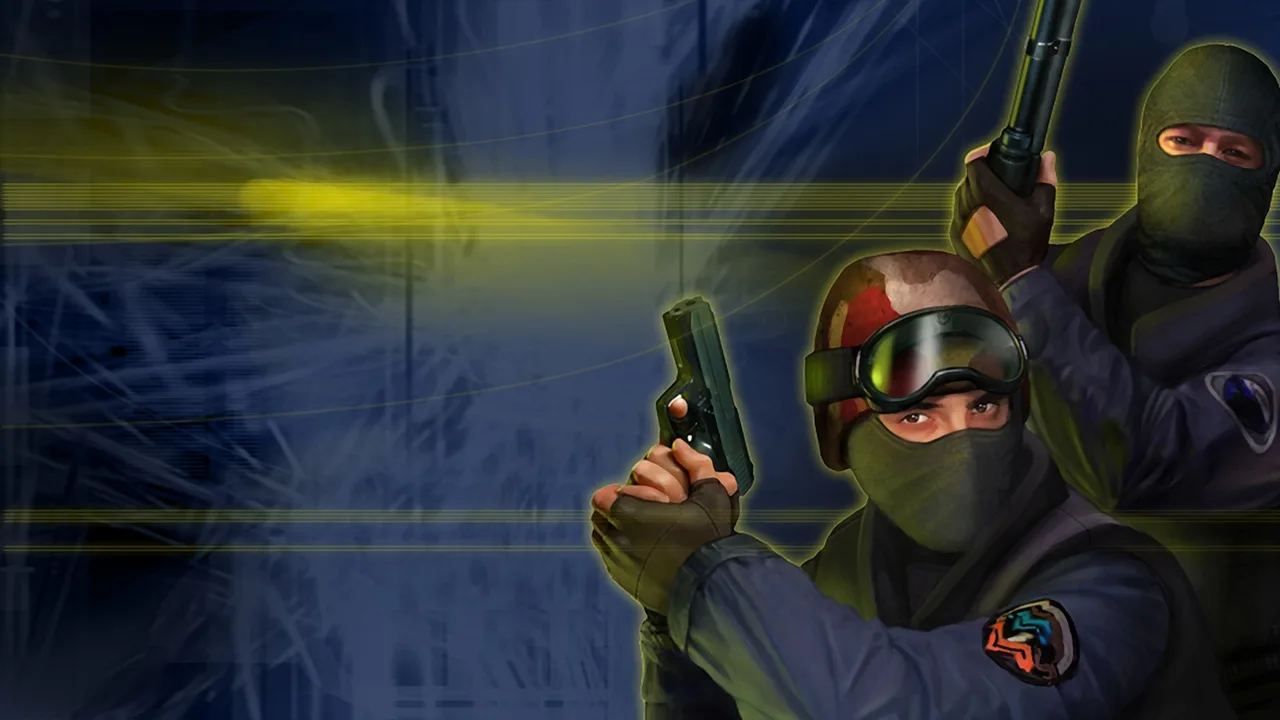
Counter-Strike 1.6 - Combat Skirmish: Tactical 5v5 & Community Modes in Browser
Distinct from standard DOS.Zone emulations, Counter-Strike 1.6 - Combat Skirmish is a standalone tactical FPS client project launched in October 2026 across Windows, Linux, Android, and WebAssembly browsers. Built atop the open-source FWGS engine and unaffiliated with Valve Corporation, Combat Skirmish connects players to community-operated public servers rather than official Steam networks. Whether you want to queue a full MR15 Ranked 5v5 match, practice offline against bots, or hop into custom Surf, Bunnyhop, Gun Game, and Zombie lobbies, Combat Skirmish brings classic GoldSrc gunplay to modern desktop tabs.
What Is Counter-Strike 1.6 - Combat Skirmish?
While the KLIK directory lists a separate DOS.Zone entry for standard Counter-Strike 1.6, Combat Skirmish represents an independent multi-platform client release from October 2026 that compiles the open-source FWGS engine to WebAssembly. Because it operates independently of Valve and Steam, Combat Skirmish uses its own server browser where you can filter active community lobbies by map, game mode, geographic region, or network latency. Please note that in the KLIK catalog, the Combat Skirmish page is marked as TRY behind a sponsored start gateway and has not been separately verified inside KLIK's wrapper; players can also jump into our verified WebXash CS 1.6 launcher at any time.
- Standalone FWGS WebAssembly Client: Released in October 2026 across desktop, mobile, and web browsers without any affiliation to Valve.
- Community Server Browser: Filter public Combat Skirmish servers by ping, region, map rotation, and custom mode rules.
- Competitive Ranked 5v5 (MR15): Play classic 15-round-half competitive matches alongside casual public skirmishes and offline bot training.
- Distinct From DOS.Zone Entry: Combat Skirmish is a separate client entry in the KLIK catalog and should not be confused with the DOS.Zone CS 1.6 wrapper.
Game Modes: From Bomb Defusal and MR15 to Surf and Zombies
The biggest advantage of the community server ecosystem in Combat Skirmish is the sheer variety of classic and modded playlists running side by side. Traditionalists can drop into Bomb Defusal (`de_dust2`, `de_inferno`, `de_nuke`, `de_train`) and Hostage Rescue (`cs_italy`, `cs_office`, `cs_assault`) where Counter-Terrorists and Terrorists clash in single-life tactical rounds. When you want a faster pace in Combat Skirmish, community servers host instant-respawn Deathmatch, progressive Gun Game weapon ladders, infectious Zombie survival modes, and momentum-based Surf and Bunnyhop obstacle maps.
- Bomb Defusal & Hostage Rescue: Classic round-based economy warfare in Combat Skirmish where Terrorists plant the C4 or guard hostages against Counter-Terrorist breach teams.
- Ranked 5v5 (MR15 Format): Compete in structured 30-round matches (15 rounds per half) where team economy, eco rounds, and utility flashes decide the winner.
- Deathmatch & Gun Game: Warm up your AK-47 and M4A1 spray control with instant respawns, or level up through every firearm in Combat Skirmish Gun Game.
- Zombie, Surf & Bunnyhop Servers: Survive dark Zombie infection rounds or practice air-strafing across custom Surf ramps and Bunnyhop courses in Combat Skirmish.
Round Economy, Recoil Control, and Tactical Utility
Winning rounds consistently in Combat Skirmish requires mastering both the buy-menu economy and GoldSrc weapon ballistics. Every player begins the pistol round with $800, a combat knife, and a sidearm (USP-45 for Counter-Terrorists, Glock-18 for Terrorists). Earning kills, planting or defusing the C4, and winning rounds in Combat Skirmish awards cash for the next buy phase. Because moving while firing destroys rifle accuracy, experienced Combat Skirmish players use counter-strafing—tapping the opposite directional key (A or D) for a split second to come to a dead stop before firing a two-bullet headshot burst with the AK-47, M4A1, or AWP.
- Full Buy vs. Eco Rounds: Coordinate with your squad in Combat Skirmish so all five players can afford Kevlar + Helmet (`$1,000`), a primary rifle, a Defuse Kit, and grenades together.
- Utility Grenade Mastery: Carry two Flashbangs, one HE Grenade, and one Smoke Grenade to blind AWPers holding long angles and block choke points.
- Wallbanging & Sound Cues: In 1.6 physics, rifle bullets penetrate wooden doors, crates, and thin walls—hold Shift in Combat Skirmish to walk silently so enemies cannot pre-fire your footsteps!
- Offline Bot Practice: Use the built-in bot skirmish mode in Combat Skirmish to practice crosshair placement and grenade lineups with zero network ping.
Documented Keyboard & Mouse Controls
According to the official project documentation for Combat Skirmish, the browser client uses the classic Counter-Strike 1.6 PC keyboard and mouse layout.
Complete Combat Skirmish Keybind Reference
In Combat Skirmish, use WASD to move, Mouse to aim, Left-Click to fire, and Right-Click for secondary attack (silencer attachment, burst-fire toggle, or sniper scope). Press Space to jump, Ctrl to crouch, Shift to walk silently, E to use/defuse, R to reload, B to open the Buy Menu, 1–5 to switch weapons, Q for last weapon used, G to drop your current weapon, Tab for the scoreboard, M to select your team, Y/U for all/team chat, and K for voice communication.
Pointer Lock & Browser Performance Tips
Click inside the Combat Skirmish game window to lock your mouse cursor for 360-degree aiming, and choose a community server from the regional list with the lowest ping for crisp hit registration.
Frequently Asked Questions
Is Counter-Strike 1.6 - Combat Skirmish an official Valve release?
No. Combat Skirmish is an independent community client project built on the open-source FWGS engine (released in October 2026) and has no affiliation with Valve Corporation or Steam.
What servers does Combat Skirmish connect to?
Combat Skirmish connects to community-operated public servers rather than official Steam servers, offering classic Bomb Defusal, Ranked 5v5 MR15, Deathmatch, Gun Game, Zombies, Surf, and Bunnyhop.
Can I practice against AI bots offline in Combat Skirmish?
Yes! In addition to public multiplayer servers and co-op with friends, Combat Skirmish supports offline practice matches against AI bots.
How do I buy weapons and defuse the bomb in Combat Skirmish?
Press B while standing inside your team's spawn buy zone at the start of a round in Combat Skirmish to purchase weapons and armor, and hold E while looking at a planted C4 charge to defuse it.